Takes 30 seconds. We call you back to set a time.
A remote that will not pair is one problem. An opener that accepts the remote, works for a while and then acts as if it never met it is a different one. It may follow a storm, a power cut or nothing you can name, and setting everything up again only buys a little time. An opener is built to keep its list of remotes with the power off, so repeated forgetting deserves a diagnosis. Here is what can really erase that list, what only imitates it and what we look at. Free estimate at (929) 429-2429.
By Sean Cohen, owner, On Point Garage Doors · Updated
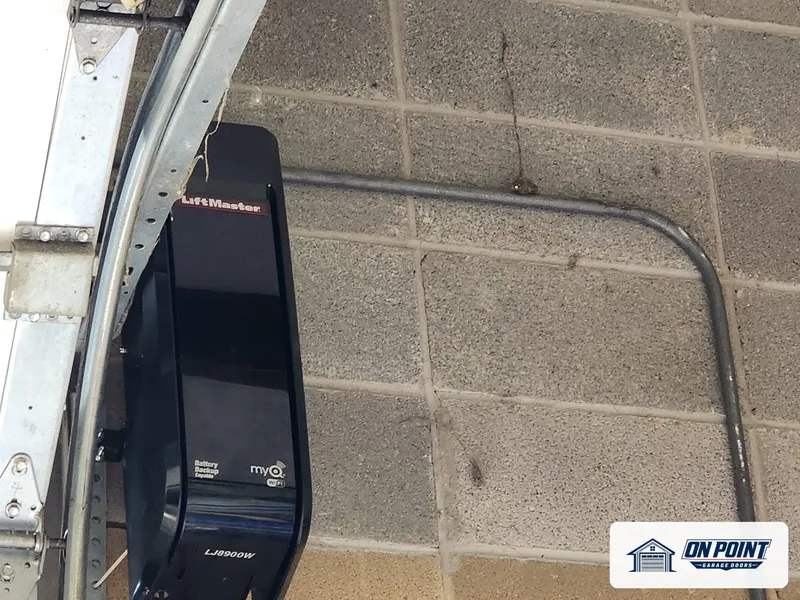
These photos are from our own jobs, with our logo on them.


Modern openers store paired remotes in a kind of memory that needs no power to hold it, much as a phone keeps its photos when the battery dies. You can unplug a healthy opener for a season, plug it back in and the remotes will still work. So when the list vanishes each time the lights flicker, the outage is usually exposing a weakness instead of causing normal behavior.
The first question is whether anything was forgotten at all. An opener that ignores its remotes can look exactly like one that lost them, and the difference decides the repair.
When power returns after an outage it can arrive as a spike. A strong one kills the opener outright. A weaker one can wound the logic board so that it still runs the door but can no longer hold what it is taught. Openers on long extension cords or loose outlets can get a rough supply every day. If the trouble began after a particular storm, that detail is worth passing on.
Boards age. Heat in summer, damp in winter, vibration from the motor and insects nesting in the housing all work on the solder joints and connectors. An early sign can be small odd behavior: remotes that drop out, a light that acts up, a travel setting that drifts. When a board forgets travel settings along with remotes, the board itself moves to the top of the list.
On many openers the same small button that adds a remote will clear all of them when it is held down. It can be held by accident: by a wire pushed against it, a lens cover seated badly, a ladder or bike hung too close, or a button that sticks inside its housing. A curious helper trying to add one new remote can also erase the rest without knowing it.
An opener holds a limited number of devices. On many models, adding one more after the list is full quietly pushes out an older one. In a house with several drivers, cars with built-in buttons and a keypad or two, it looks as though the opener forgets one remote at random. The answer is to clear the list, keep only the devices still in use, and move to an opener or receiver with more room if that is still too few.
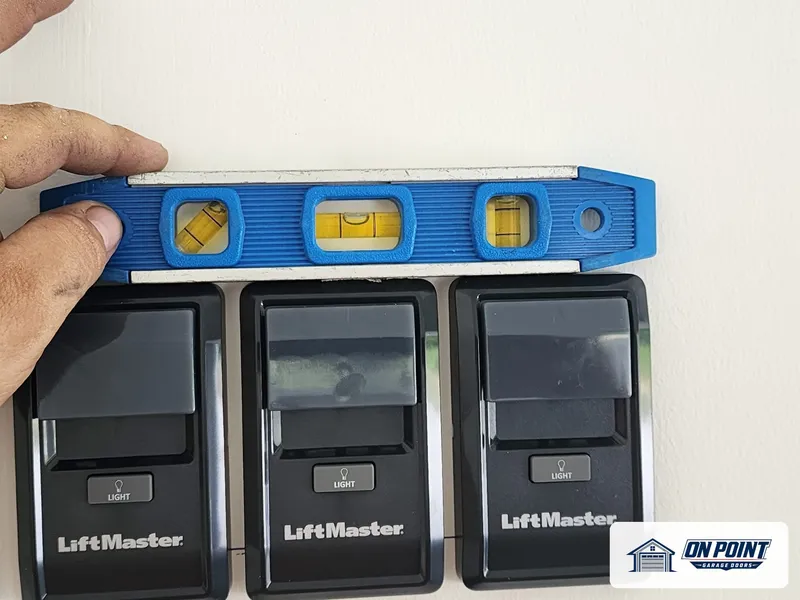
Many multi-function wall consoles have a lock or vacation setting that tells the opener to ignore radio signals. It is easy to switch on while carrying groceries, and a faulty console or pinched wire can behave as if it were on. Nothing has been erased, and all the remotes return when the lock is off. We test the console and its wire before touching the memory.
Some light bulbs, phone chargers, security cameras, network boxes and nearby transmitters throw off radio noise that drowns a remote. The effect can follow a schedule, such as remotes that fail only after the garage lights come on. People often pair everything again during a quiet spell and believe the pairing cured it. Finding the source saves a board that was never broken.
Very old openers do not learn at all. The remote and receiver share a pattern set on tiny switches. If those stop working, dirty switch contacts or a dying receiver is more likely than memory. These openers also use a fixed code that is easy to copy, and many have no safety eyes, so a separate receiver or a new opener is worth talking about.
Connected openers add a second kind of forgetting. A new router or Wi-Fi password breaks the phone link while the remotes keep working, and an account change can drop shared users. That is not a board fault. If the phone and the remotes fail together, though, the opener's power and board get looked at.
The technician checks the outlet and supply, the wall control and its wire, interference, the pairing button and the board, then sees whether a pairing survives losing power. If a board or receiver has failed, you see that and get a written estimate. At the end every remote, keypad and car button you still use is paired and tried, and lost ones are left out.
Replacing the board makes sense when the motor, gears and rail are in good order and the part is still made. When the opener is old, noisy or without working sensors, a new board keeps a tired machine going for a limited time. A new opener brings more memory, rolling codes and a battery option. We lay out both and leave the choice to you.
A healthy one does not. Remote codes are stored without power. If yours loses them in outages, have the board and the power supply checked.
It may be that remote's battery or switch, or the opener's memory may be full and pushing out an older device each time a new one is added.
Clearing the list normally takes a button on the opener itself, so it needs someone inside the garage. A stuck button or a failing board is a more ordinary explanation.
Often, yes. A separate receiver can give an older opener current remotes and codes, as long as the rest of the machine and its safety eyes are sound.
Yes. We find out whether it is the memory, the signal or the board before you decide anything.
Across Brooklyn, Queens and Long Island, tell us what the door is doing and we set a visit that fits your day.
Free estimate, call (929) 429-2429.
Tell us what the door is doing and we will give you an honest arrival time. The estimate is free.
Easier to explain by phone? Call (929) 429-2429.
Tell us what the door is doing. The estimate is free either way.