Takes 30 seconds. We call you back to set a time.
Many newer openers can close the garage door by themselves after it has been left open for a while. The feature is usually called timer-to-close or auto-close, and it is one of the simplest ways to stop a door from staying open all night by mistake. It also confuses a lot of owners: a door that suddenly starts closing on its own, a timer that will not turn on, or a door that beeps and flashes before it moves. This page explains how the timer works, what can make it misbehave and what we check when it is not doing what you expect. Free estimate at (929) 429-2429.
By Sean Cohen, owner, On Point Garage Doors · Updated
These photos are from our own jobs, with our logo on them.


When the feature is on, the opener starts counting as soon as the door reaches the open position. When the count runs out, the opener warns with lights and a beeper and then closes the door. If anything breaks the beam of the safety sensors while the door is closing, the door reverses and the timer stops. It is meant to catch the door that someone forgot, not to replace closing it on purpose.
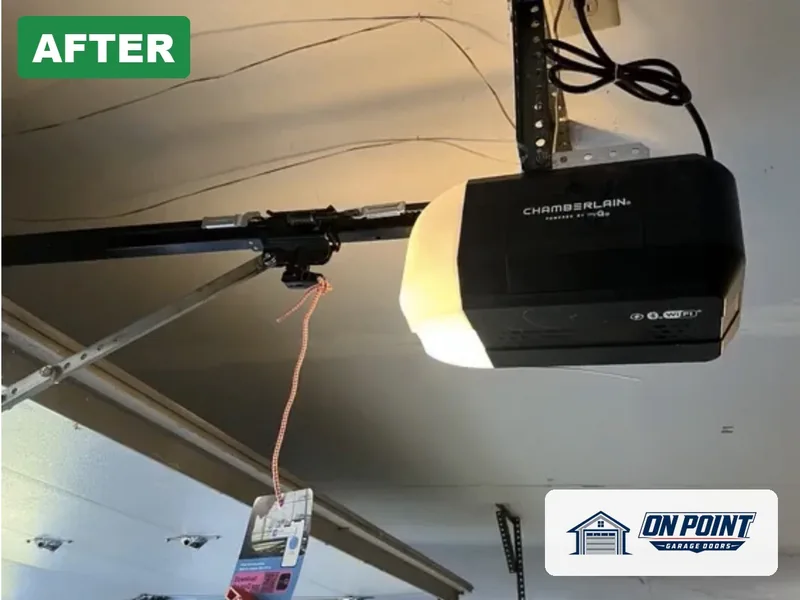
Many current openers from the larger brands offer timer-to-close, either in the wall control or through the phone app. Some older openers can get it with an add-on module. It depends on the model, so the first thing we do is look at the opener and the wall control to see what it supports and how it is turned on.
A door that suddenly closes itself after staying open is often a timer that was switched on by accident, sometimes by a child playing with the wall control or by a setting changed in the app. It can also happen after a new wall control is installed, because some come with the feature ready to set up. Before anyone suspects a fault in the opener, we check whether the timer is active.
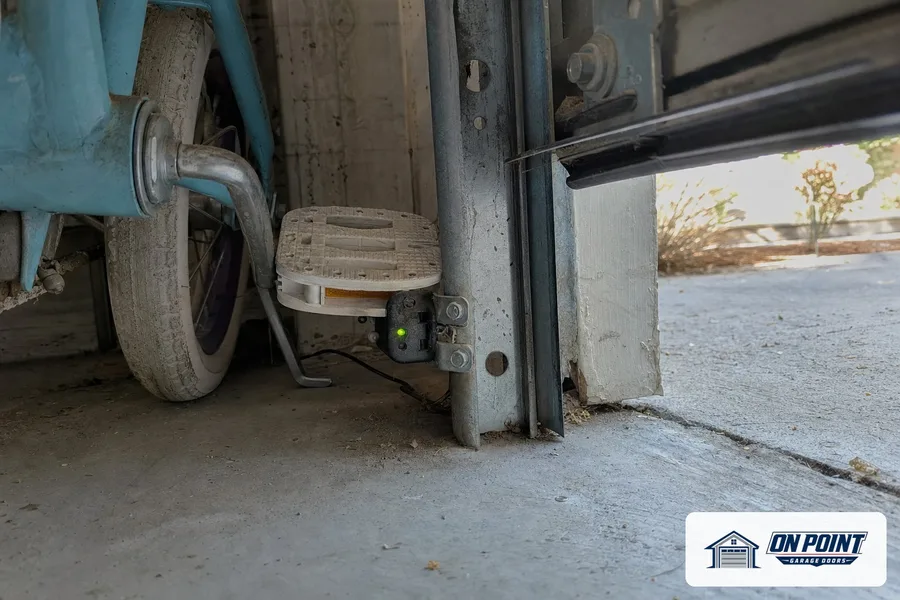
Timer-to-close only works when the photo eyes at the bottom of the tracks are working, because the door closes with nobody pressing a button. If the sensors are blocked, dirty, loose or out of line, the opener refuses to close by timer. That is by design. Our page on garage door sensors covers how they work and why they fail.
Before the door moves by timer, the opener lights flash and a beeper sounds to warn anyone near the door. Some owners find the warning loud, but it is part of what makes the feature safe, and it should not be removed. If the beeper sounds but the door does not move, the sensors or the opener are usually telling you something is wrong.
Auto-close suits most attached garages, but not every garage. A door that opens onto a busy sidewalk, a garage where kids play near the door, a garage used as a workshop with the door open on purpose, or a door with a car parked halfway under it may be better off without it, or with a longer setting. Where pets, bikes or tools often sit in the doorway, we talk through whether it fits.
Some owners prefer to be told the door is open rather than have it close by itself. A smart opener or an add-on hub can send a phone alert when the door has been left open, and the owner can close it from the app. That keeps the control with a person. Our page on smart garage door openers explains the options.
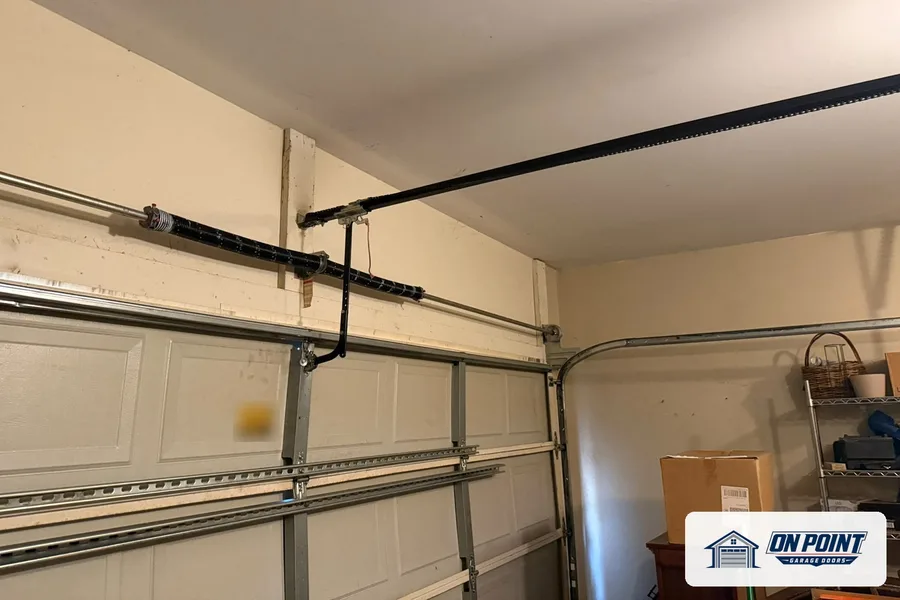
The timer closes the door with the opener alone, with nobody watching. If the springs are weak or the door is binding in the tracks, the opener may stop and reverse halfway down, leaving the door partly open. A door that keeps stopping during an automatic close often needs its balance looked at, not a new opener.
In two-family homes and small buildings with a shared garage, the timer helps when several people use the door and nobody is sure who left it open. It works best when everyone knows it is on, so nobody is surprised by a door closing behind them. We can set it up and show each household how it works.
The technician checks the opener model and the wall control, tests the safety sensors, looks at the balance of the door, and checks the timer setting and the app. If the opener can support auto-close, it is set up and tested with you watching. If it cannot, we explain the add-on or upgrade options in a written estimate.
The timer-to-close feature is probably switched on in the wall control or the app. It can be turned off or set to a longer delay.
Most often the safety sensors are not lined up or not working, or the opener or wall control does not support the feature. The timer will not close the door without working sensors.
It is designed to be safe, with a warning beeper and lights before the door moves and the sensors reversing the door if anything is in the way. It still is not a good fit for every garage.
Some older openers can take an add-on module. We look at the model first and tell you whether it can be done.
Yes. We look at the opener, the sensors and the door before suggesting anything.
Across Brooklyn, Queens and Long Island, tell us what the door is doing and we set a visit that fits your day.
Free estimate, call (929) 429-2429.
Tell us what the door is doing and we will give you an honest arrival time. The estimate is free.
Easier to explain by phone? Call (929) 429-2429.
Tell us what the door is doing. The estimate is free either way.