Takes 30 seconds. We call you back to set a time.
The myQ app lets you open and close a LiftMaster or Chamberlain garage door from your phone, and when it works, it is hard to live without. When it stops working, you get a door that shows offline, a button that spins and fails, or alerts that never arrive. Most myQ problems are not a broken opener. They come from the Wi-Fi signal in the garage, a change at the router, or the setup itself. Free estimate at (929) 429-2429.
By Sean Cohen, owner, On Point Garage Doors · Updated
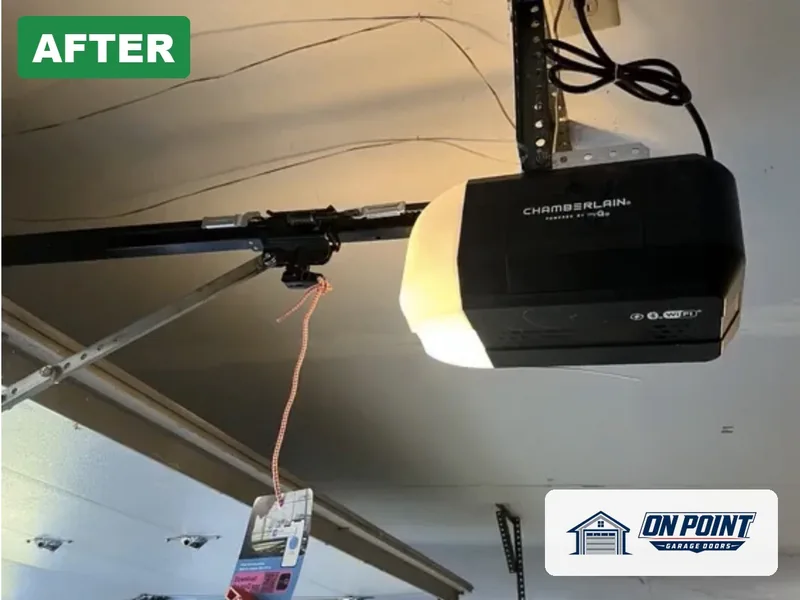
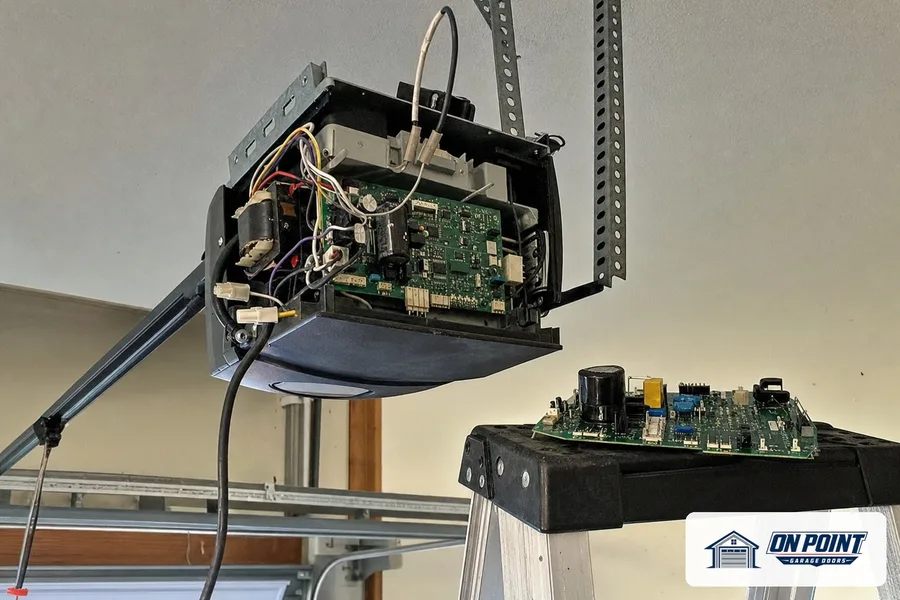
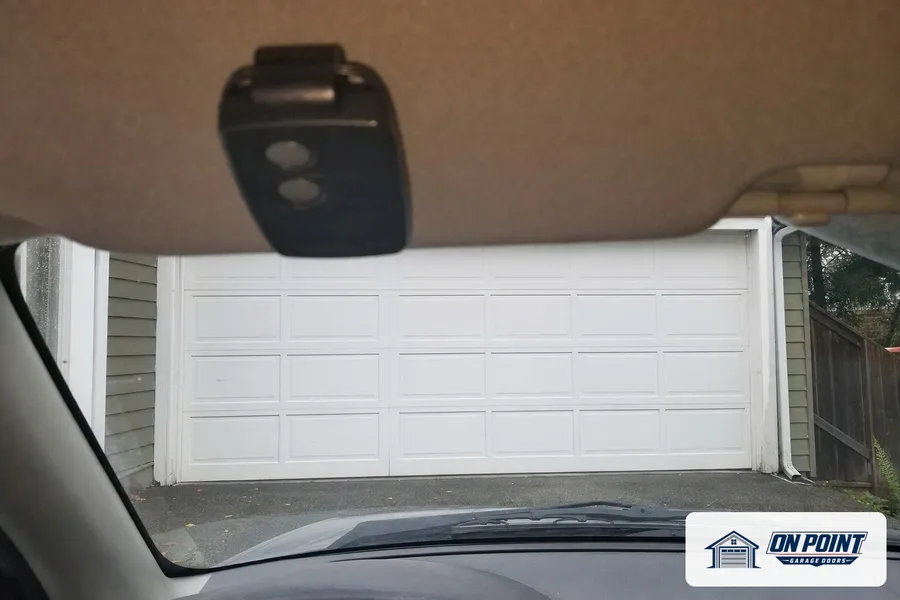
These photos are from our own jobs, with our logo on them.


Garages are usually at the edge of the home, sometimes in a separate building, with concrete, brick and metal doors between them and the router. In row houses and two-family homes, the garage can be a floor below the router with several walls in the way.
An opener that connects fine on a good day and drops off in bad weather or busy evenings is a classic sign of a weak signal.
If the remote and wall button still open the door, the opener itself is working. The problem is the connection between the opener and the internet, or between the app and your account. That is good news, because it is usually fixed without new parts.
On add-on hubs, the sensor on the door reports its position. A weak battery, a sensor knocked off the door or a sensor mounted where it cannot read the motion properly will give wrong readings. The sensor is checked, the battery replaced if needed, and the sensor mounted where it reads reliably.
Sometimes the Wi-Fi module or the logic board has failed, often after a storm or a power surge. Then the opener may also act up with remotes, lights or travel. The technician tests the opener fully. If a part is needed, or a newer opener makes more sense, you get a free estimate on both.
Not every older opener works with a smart add-on, and some combinations work only with an extra adapter. If your opener is very old, without safety sensors or with remotes that use fixed codes, a new Wi-Fi opener is safer and more reliable than trying to connect the old one.
In many homes the opener was set up on one person's phone, and nobody else can use the app. Shared access lets each family member, a caregiver or a dog walker use their own login, and removing someone later is simple. We set that up during the visit.
The technician checks the opener and its Wi-Fi module, tests the signal strength in the garage, reconnects the opener to your network, checks the door sensor if you have one, sets up the app and shared users, and tests opening, closing and alerts from your phone.
While there, the door's springs, rollers, sensors and safety reverse are checked too, because an app can only control a door that is working properly.
Tell everyone in the house that changing the router or the Wi-Fi password means reconnecting the opener. If the signal in the garage is weak, an extender near the garage keeps the opener online. And when the app sends a battery warning for the door sensor, replace it before it dies.
Once the app is working, a few settings make it far more useful: an alert when the door is left open, a schedule that closes the door at night, and a log that shows when the door moved. We turn on the ones you want before we leave.
A garage at the back of the lot is the hardest place to keep online. The signal has to cross the yard and at least two walls. An outdoor-rated extender or a mesh point near the back door often makes the difference between an opener that drops off every evening and one that stays connected.
Usually the Wi-Fi signal in the garage is weak, or the router or password changed. The opener needs to be reconnected or the signal improved.
Probably not. If the remote and wall button work, the opener is fine and the problem is the connection or the app setup.
On add-on hubs, the door sensor battery may be weak or the sensor may have moved.
No. It works with LiftMaster and Chamberlain Wi-Fi openers and with many others through an add-on, but some older openers are not compatible.
Yes. You see what is wrong and the options before any work starts.
Across Brooklyn, Queens and Long Island, tell us what the door is doing and we set a visit that fits your day.
Free estimate, call (929) 429-2429.
Tell us what the door is doing and we will give you an honest arrival time. The estimate is free.
Easier to explain by phone? Call (929) 429-2429.
Tell us what the door is doing. The estimate is free either way.