Serving Brooklyn, Queens and Long Island(929) 429-2429Open six days a weekFree estimateGuaranteed work
On Point Garage Doors
Open 24 hours Sun-Thu, Fri until 5 pm Free estimate Springs, openers, cables We come to you
Emergency?Call nowBook free estimate
New York, NY - open six days a week

Genie Aladdin Connect not working

Free estimateSame-day serviceCommon parts on board
  • Free estimate
  • Same-day service
  • Common parts on board
Emergency garage door repair★★★★★ 5.0 on Google · 42 reviews

Book your free estimate

Takes 30 seconds. We call you back to set a time.

Or just call (929) 429-2429 and talk it through.

Home › Aladdin Connect Not Working

Aladdin Connect is Genie's app for opening, closing and checking your garage door from your phone. On some Genie openers it is built in; on others it comes as an add-on with a small sensor on the door. When the app shows offline, the door position is wrong or the button does nothing, the opener itself is usually fine. The problem is almost always the connection or the setup. Free estimate at (929) 429-2429.

By Sean Cohen, owner, On Point Garage Doors · Updated

Real jobs. Real photos.

These photos are from our own jobs, with our logo on them.

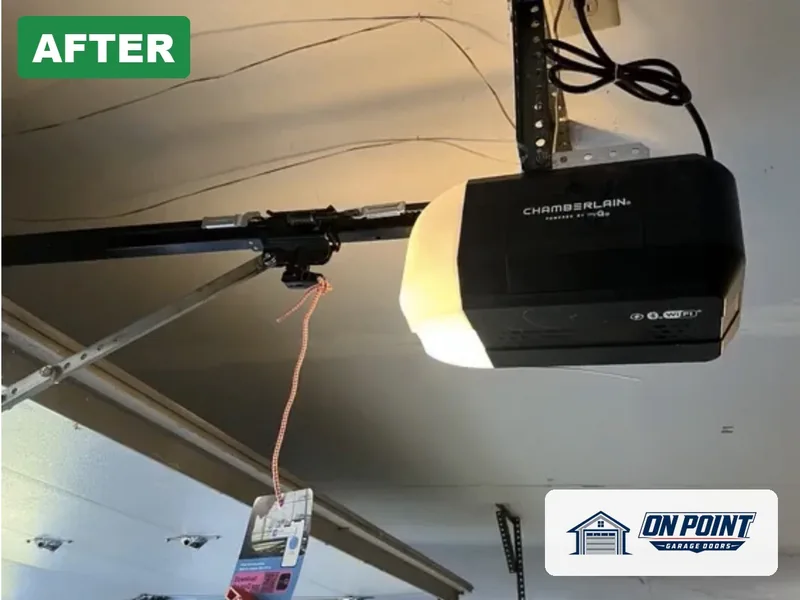
New Chamberlain Wi-Fi opener installed by On Point Garage Doors
Smart opener
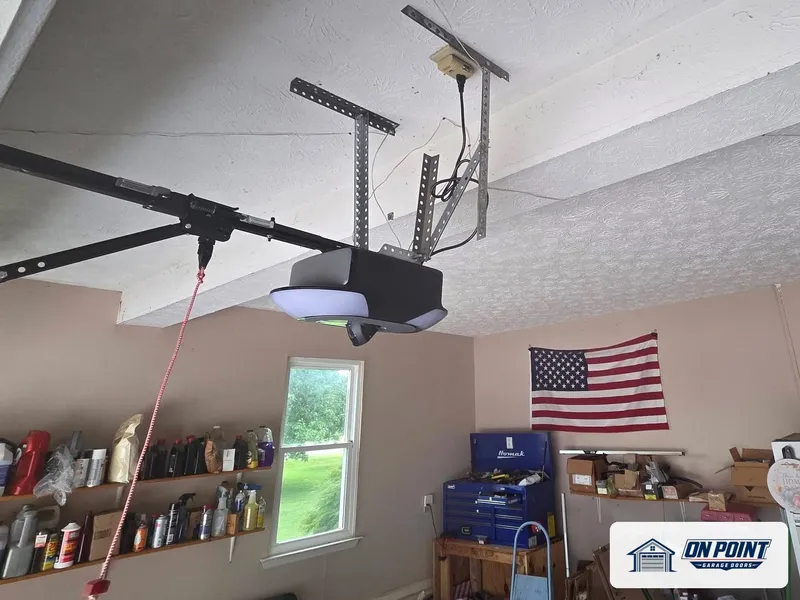
Opener on the ceiling, from one of our jobs
Opener on the ceiling
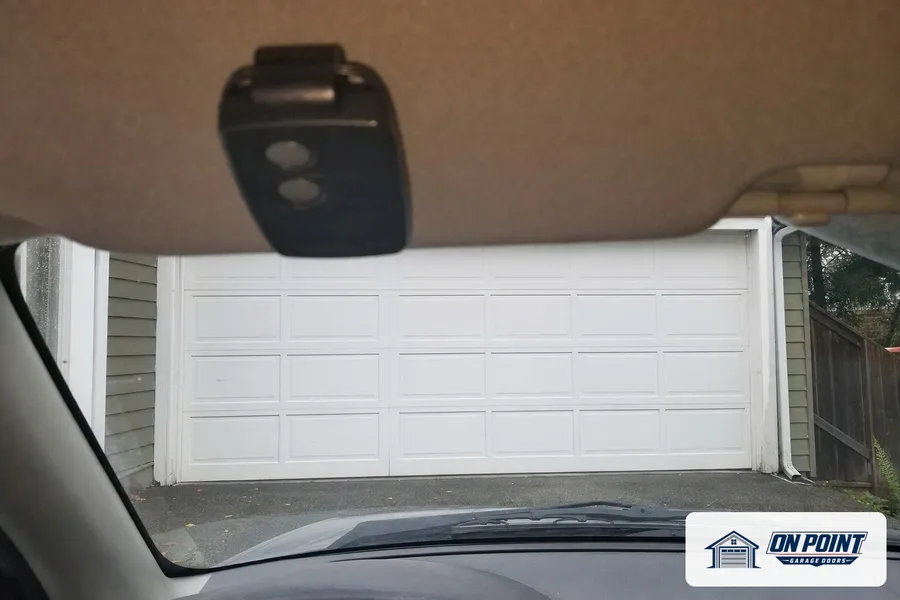
Remote on a car visor, from one of our jobs
Remote on a car visor

The usual causes

  1. Weak Wi-Fi in the garageThe opener or the add-on is too far from the router or behind thick walls.
  2. New router or new passwordAfter a change at the router, the opener no longer knows how to connect.
  3. Door sensor batteryThe small sensor on the door runs on a battery; when it gets weak, the app shows the wrong position.
  4. Sensor moved or knocked offA sensor that slipped or was bumped cannot read the door's position.
  5. Account or sharing setupThe opener is on someone else's account, or a shared user lost access.

Remote works, app does not

If the remote and the wall button still open the door, the opener and the door are working. The problem is between the opener and the internet, or between the app and your account. That is usually fixed with setup rather than new parts.

Why garages are hard on Wi-Fi

Garages sit at the edge of the house, behind concrete, brick and metal. Detached garages at the back of the lot are even harder. An opener that connects fine on some days and drops on others is a classic sign of a weak signal.

During the visit, the signal at the opener is measured. If it is weak, we explain the options, such as an extender near the garage.

The door sensor

On add-on setups, a sensor on the top section of the door tells the app whether the door is open or closed. It needs a good battery and a solid mount. A sensor on a door that shakes, or mounted where it cannot feel the door tilt, gives wrong readings. It is checked, the battery replaced if needed, and remounted where it reads reliably.

Older Genie openers

Not every older Genie works with Aladdin Connect, and some need a specific add-on version. If your Genie is very old, has fixed-code remotes or no safety sensors, a new opener with the app built in is safer and more reliable than trying to connect the old one. You get a free estimate on both.

Sharing with the family

Often the app was set up on one person's phone, and nobody else can use it. Each family member, a caregiver or a dog walker can have their own access, and access can be removed at any time. We set that up during the visit.

Alerts and schedules

Once the app is working, a few settings make it far more useful: an alert when the door is left open, a schedule to close it at night, and a history of when it moved. We turn on the ones you want before we leave.

When the opener is the problem

If the opener also acts up with remotes, lights or travel, the board may have failed, often after a storm or power surge. The opener is tested fully, and if a part or a new opener is needed, you get a free estimate.

What a visit includes

The technician checks the opener and the Aladdin Connect hardware, measures the Wi-Fi signal in the garage, reconnects the opener to your network, checks and remounts the door sensor, sets up the app and shared users, and tests open, close and alerts from your phone.

While there, the door's springs, rollers, sensors and safety reverse are checked too, because an app can only control a door that works properly.

Keeping it connected

Changing the router or the Wi-Fi password means reconnecting the opener, so let everyone in the house know. When the app warns that the door sensor battery is low, replace it before it dies. And if the signal in the garage is borderline, an extender keeps the opener online.

Genie, myQ and other apps

LiftMaster and Chamberlain use a different app called myQ. If you are switching opener brands, the old app will not work with the new opener. We help you choose and set up whichever app goes with your opener.

Two doors, one app

Homes with two or three garage doors can control each one from the same Aladdin Connect account, with each door named in the app. If only one door shows up, the second opener or its add-on was never linked. Each door is added, named and tested so you can tell them apart at a glance.

Openers that lost the app after a storm

A surge can knock the Wi-Fi module on an opener offline even when the motor still works. If the app went dark right after a storm while the remote kept working, the module or its settings are the first thing checked.

Questions we get asked

Why does Aladdin Connect say my door is offline?

Usually the Wi-Fi signal in the garage is weak, or the router or password changed. The opener needs to be reconnected or the signal improved.

Why does the app show the wrong door position?

The door sensor battery may be weak, or the sensor may have moved or been knocked off.

Does Aladdin Connect work with every Genie?

No. Many newer Genies have it built in, some older ones need an add-on, and very old units may not work at all.

Can more than one person use the app?

Yes. Each person can have their own access, and access can be removed any time.

Is the estimate free?

Yes. You see what is wrong and the options before any work starts.

Booking takes a minute

Across Brooklyn, Queens and Long Island, tell us what the door is doing and we set a visit that fits your day.

Free estimate, call (929) 429-2429.

Not sure what is wrong? We will come and look

Tell us what the door is doing and we will give you an honest arrival time. The estimate is free.

Easier to explain by phone? Call (929) 429-2429.

Two minutes to a free estimate

Tell us what the door is doing. The estimate is free either way.

Or just call (929) 429-2429 and talk it through.

The other six things that go wrong